
Video for GitHub. Explain PRs. Faster Merges.
Show bugs, demo features, and explain pull requests with async video – directly inside GitHub workflow.
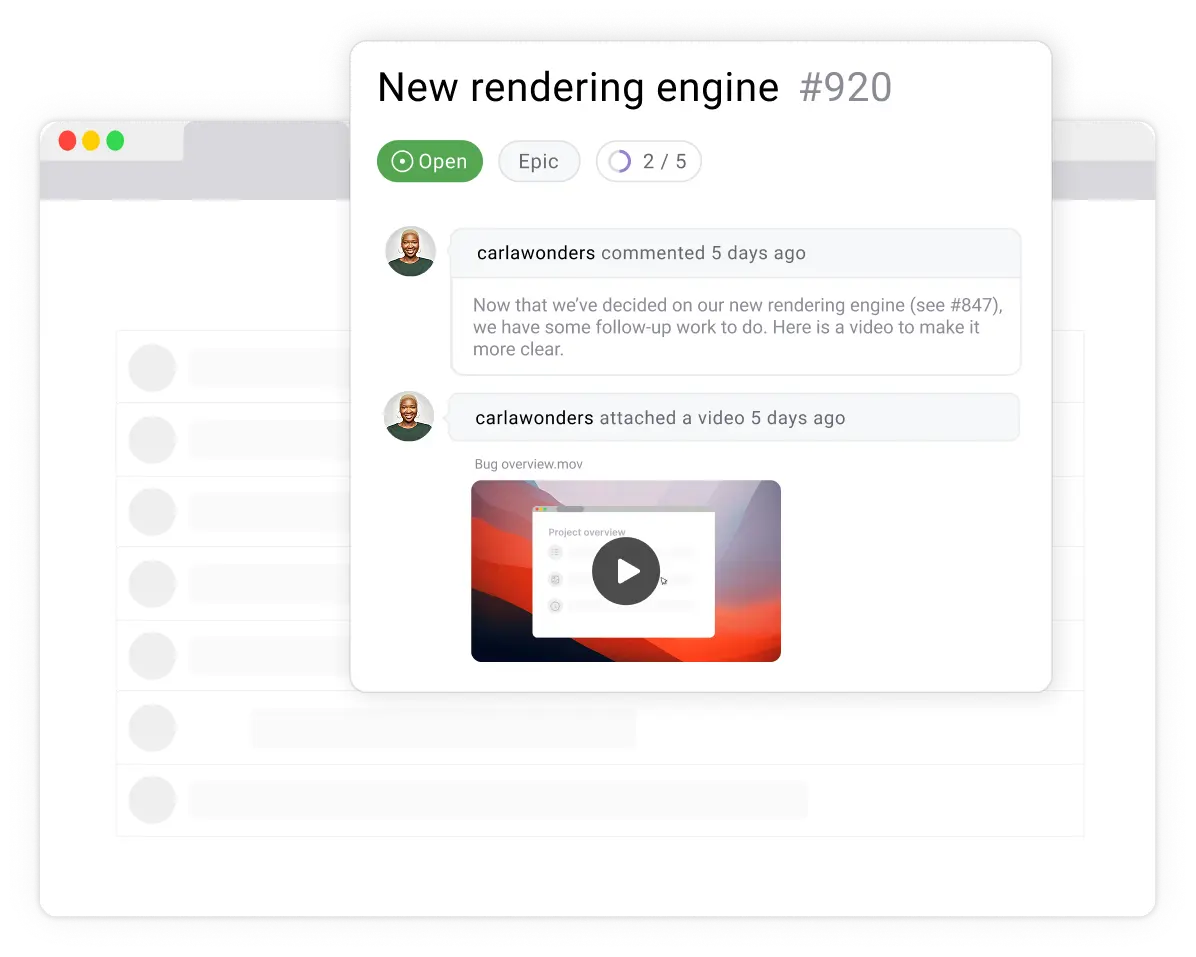
Github Issues in Action
Watch how Videolink brings async video right into GitHub
GitHub Issues
Skip long explanations. Contributors can record a short video and attach it to an issue to explain what’s happening – no separate Videolink account required.
• Add video directly to issuesShow context instead of describing it
• Reduce debugging back-and-forth
• No Videolink account needed for contributors
• Add video directly to issuesShow context instead of describing it
• Reduce debugging back-and-forth
• No Videolink account needed for contributors
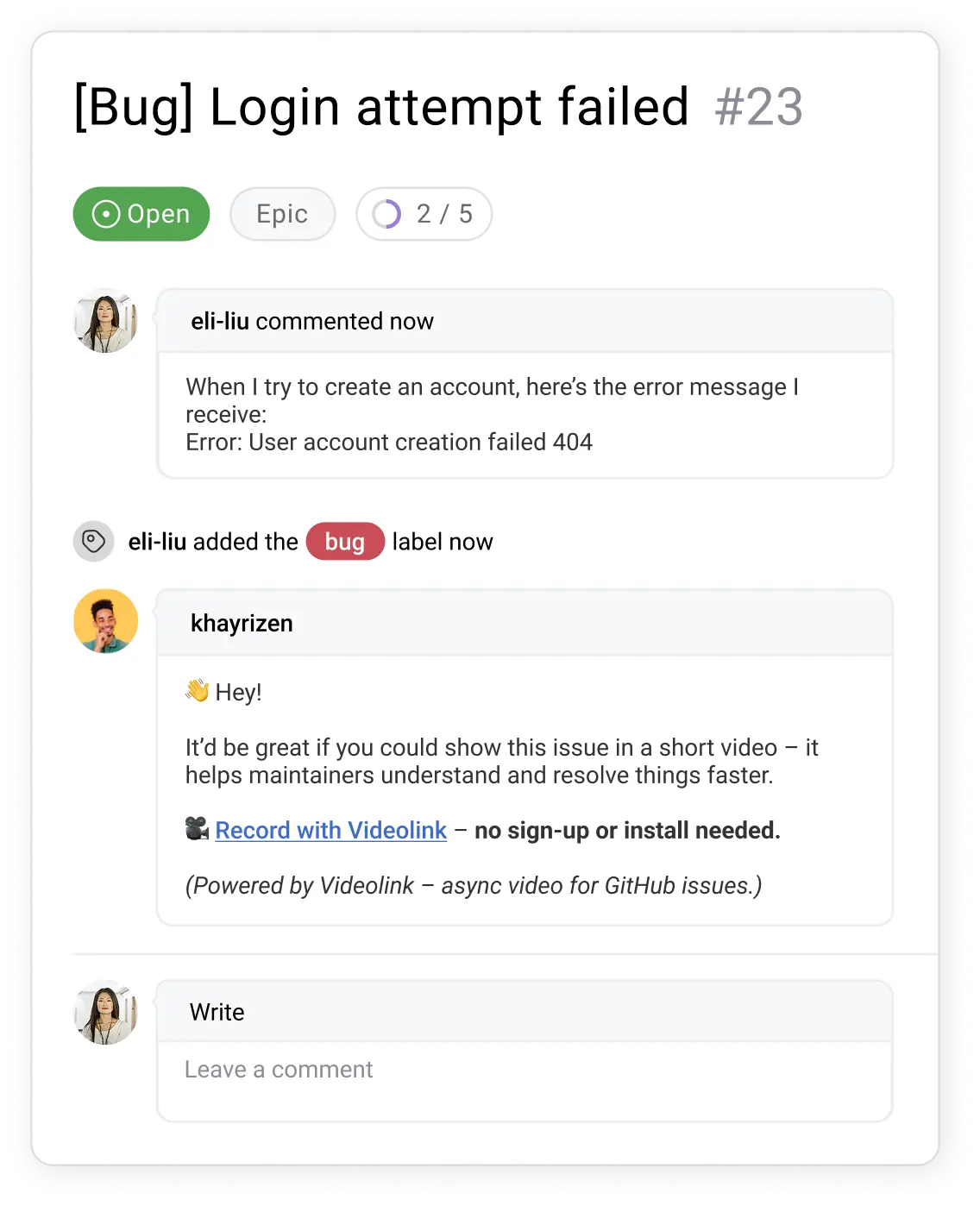
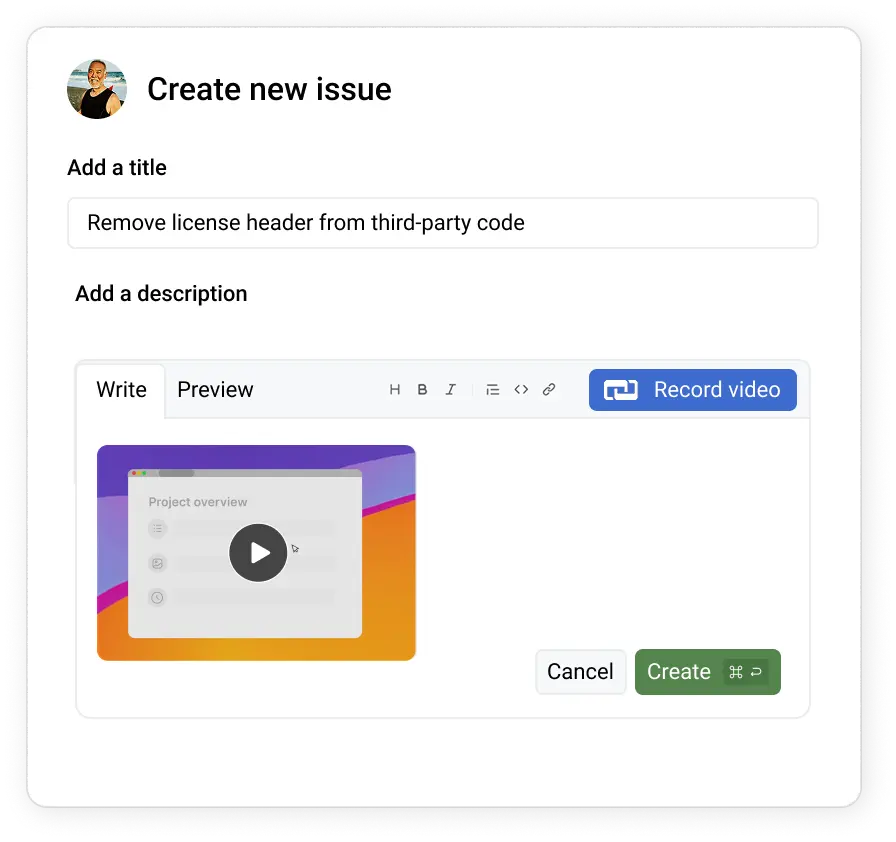
GitHub Commits
With the Videolink Chrome Extension, a recording button appears inside GitHub so you can explain changes while committing.
• Add short video notes to commits
• Demo what changed and why
• Make code reviews clearer
• Add short video notes to commits
• Demo what changed and why
• Make code reviews clearer
Made for Repo Owners
As a maintainer, you’ll spend less time deciphering vague issues.
• Clearer bug reports – less guesswork
• Video PRs – better reviews
• Async updates – less status noise
• Clearer bug reports – less guesswork
• Video PRs – better reviews
• Async updates – less status noise
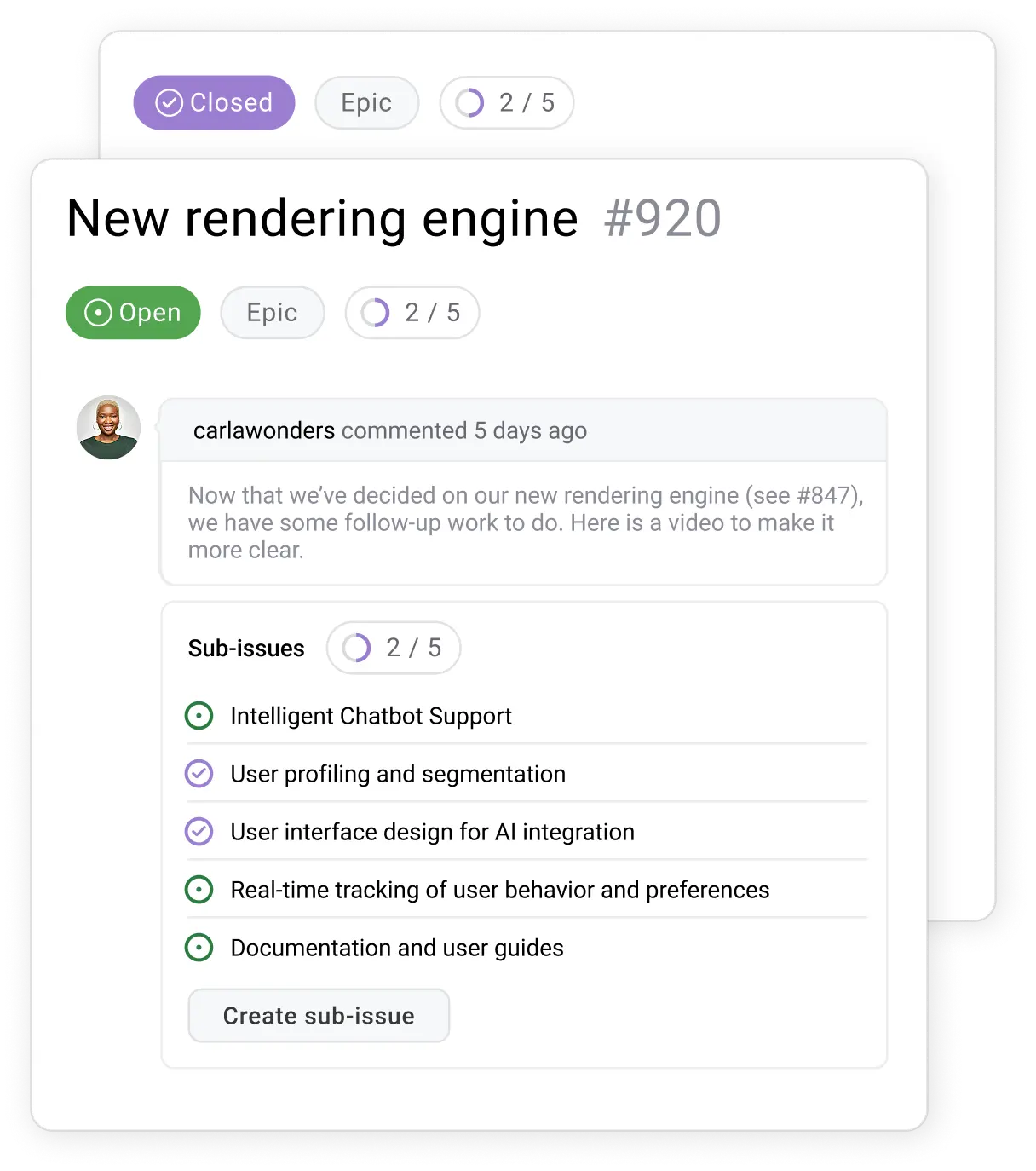
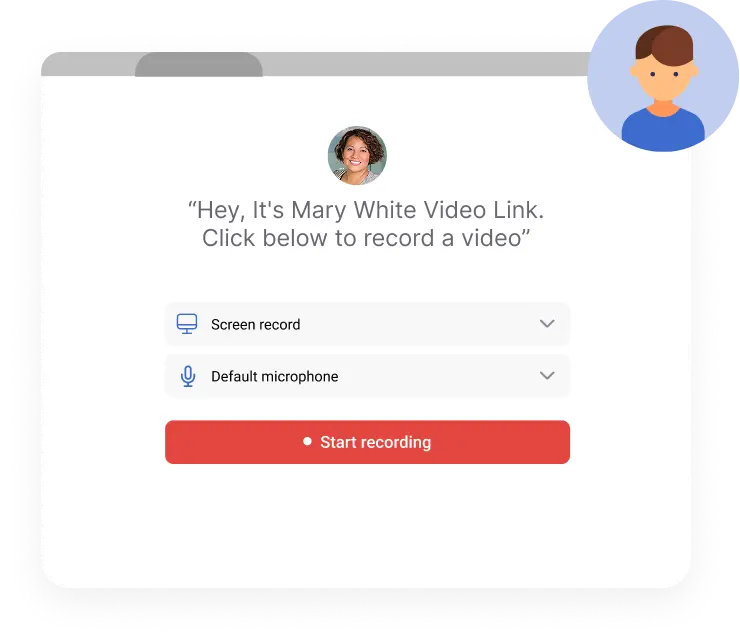
Your own Video Requesting Page
When an issue or feature request isn’t clear, send your personal Videolink and ask for a short explanation by video:
• Get visual bug reports you can reproduce
• Get clear feature requests upfront
• No signup required – just record and send
• Get visual bug reports you can reproduce
• Get clear feature requests upfront
• No signup required – just record and send
Videolink AI
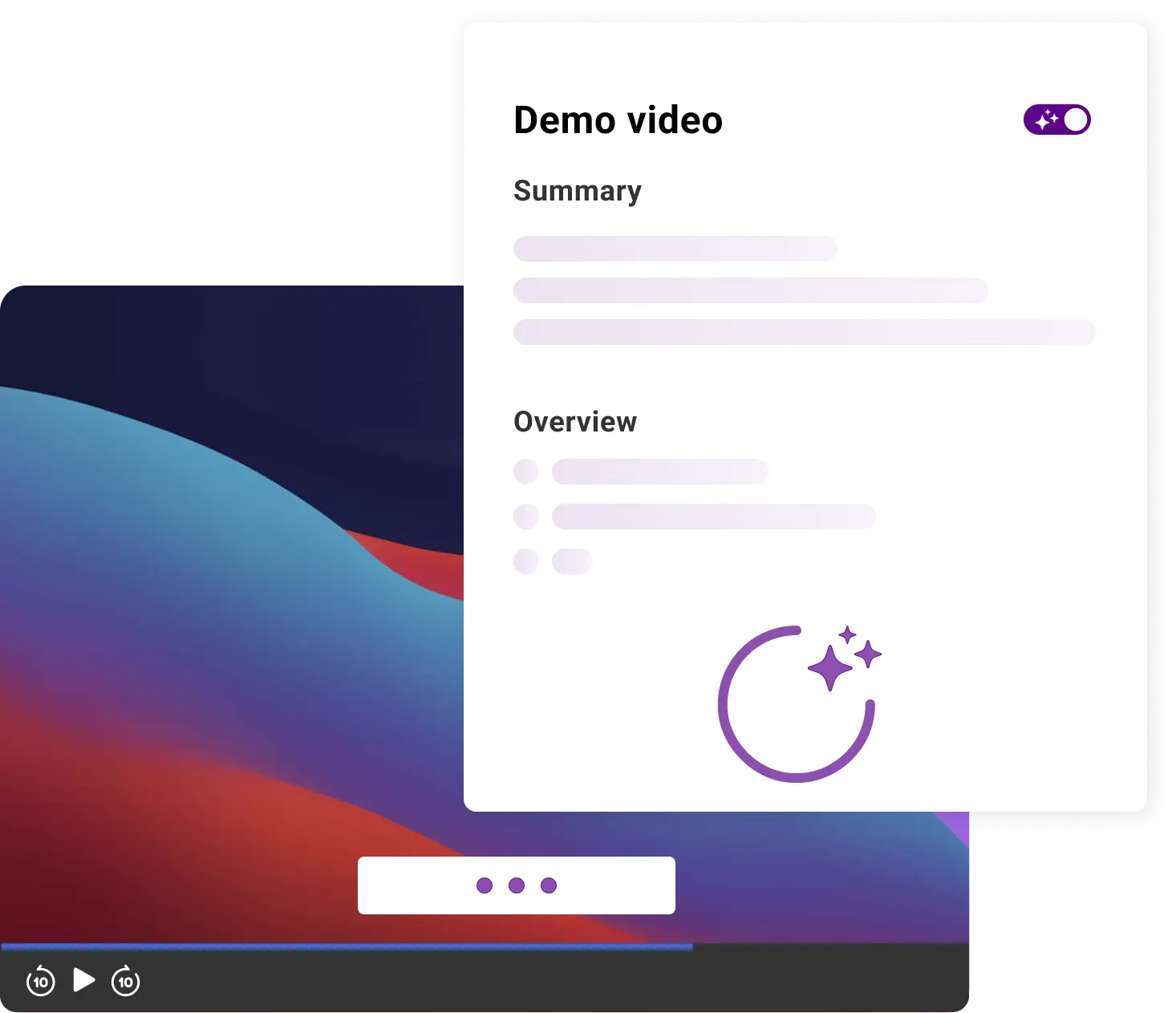
Videolink AI helps teams review, search, and understand videos – without rewatching everything.
• Transcripts & search inside videos
• Auto-captions + translations
• Summaries for faster reviews
• Transcripts & search inside videos
• Auto-captions + translations
• Summaries for faster reviews
Get Started Today
Videolink adds visual context to GitHub workflows so teams can explain work clearly without meetings or long threads.
Unlimited Access for Open Source & Private Teams
Open Source Projects
$0per user/month
If your GitHub repository is public, Videolink is completely free – no limits on the number of videos your contributors can create or share.

Up to 25 active videos
5 min video length
Video requesting page
Chrome Extension
Pro
Most used
$4 per user / month
For private projects, get unlimited video recordings – no storage limits, and no hidden fees.

Unlimited videos
Editing features
AI Speech to Text
Recent blogs
Learn more about Agendalink & more effective meetings
View all blogs

.jpg)
.jpg)
%20(1).jpg)
%20(1).jpg)